Implementation guideCRM data & migration
How to Migrate CRM Data: A Step-by-Step Plan With Reconciliation
Moving to a new CRM is mostly a data project. The export and import are the easy part; the work is deciding what to bring, mapping it field by field, removing duplicates, loading records in an order that keeps their relationships, and proving afterwards that nothing was lost.
You leave withA migration plan with a mapping spec, dedup rules, a dependency-ordered load, reconciliation checks and a cutover sequence with a rollback point.
- Admin access to export from the old CRM and to configure the new one
- A target data model in the new CRM, at least in draft
- Someone from sales or service who can answer “do we still need this?”
- By
- Comtau Editorial
- Published
- Reading
- 8 min · 8 steps
In short
- Migrate by specification: every source field is mapped, transformed, or explicitly left behind, in writing.
- Deduplicate before the load, with match rules agreed by the people who use the data.
- Load in dependency order and keep the old system’s IDs on every new record, so relationships can be rebuilt and every record traced.
- A migration is finished when it is reconciled: counts, sums and samples match, and the differences are explained.
A CRM migration moves records, their relationships and their history from one CRM to another, together with whatever configuration the new system needs to use them. This guide is platform-neutral. It applies whether you are moving between two SaaS CRMs, from a spreadsheet or legacy database into a CRM, or into a custom CRM, and it assumes the new CRM’s data model has been drafted. If it has not, start with what a CRM database contains, because the target model decides most of the mapping.
How long a migration takes depends far more on data quality and the number of decisions than on record counts. A clean, simple source can move in days; years of inconsistent fields, duplicates and custom objects take weeks of decisions before the first trial load.
Inventory what you are actually moving
Export a full inventory of the source before planning anything: every object, its record count, every field with its type, how often it is filled in, and when it was last changed. Include the things that are easy to forget:
- Attachments and files, which are often stored separately and exported through a different mechanism.
- Activity history (emails, calls, meetings, notes), usually the largest volume and the most awkward to map.
- Relationships: lookups, many-to-many associations, account hierarchies, record owners.
- Users and teams, because ownership fields must map to users that exist in the new CRM.
- Automation and integrations that write into the old CRM: they must be switched off or redirected at cutover.
Fill rates are the most useful column. A custom field filled on 3% of records, last changed four years ago, is a candidate to leave behind, and that is a decision to record, not to discover after go-live.
Decide what not to migrate
Every record and field you bring has to be mapped, cleaned, loaded and reconciled. Agree retention rules with the business before mapping:
- Closed history beyond a cut-off (for example, lost opportunities older than a few years) can stay in an archive export instead of the new CRM.
- Unused fields with low fill rates and no reports depending on them can be dropped.
- Records without a purpose, such as leads that never engaged and contacts without consent to be contacted, may be better left out, subject to your legal obligations.
Keep a read-only archive of the full export, stored securely and access-controlled, so leaving data behind is never irreversible. It contains personal data, so give it the same protection as the CRM itself and a defined retention period.
Write the mapping specification
The mapping specification is the contract for the migration: one row per source field with its target, transformation and rule for bad data. It is reviewed by the people who use the data, versioned, and it drives both the load scripts and the reconciliation.
| Source field | Target field | Transformation | Owner |
|---|---|---|---|
deals.id | opportunity.legacy_id | Copied as an external ID on every record for traceability | Legacy |
deals.stage | opportunity.stage | Value table: Proposal sent and Quoted become Proposal; unknown values go to review | - |
deals.value | opportunity.amount | Decimal with currency from deals.currency; blanks stay blank, not zero | - |
deals.owner_email | opportunity.owner_id | Matched to active users; leavers mapped to a named team queue | - |
deals.company_id | opportunity.account_id | Resolved through the account ID cross-reference after accounts load | - |
deals.custom_17 | (not migrated) | Filled on 2% of records, unused in reports; kept in the archive | - |
Three types of rule need extra care. Value tables for picklists must cover every value that occurs in the data, not only the ones in the current configuration, because old records keep retired values. Ownership must map leavers to someone. And blanks must stay blank: a migration that writes zero for unknown amounts or today’s date for unknown dates corrupts reports quietly.
Clean and deduplicate before the load
Duplicates multiply in a migration if you leave them: three versions of a customer in the old CRM become three in the new one, now with fresh IDs and no history of how they came about. Clean the source extract (not the live system, unless the business agrees) before loading:
- Normalize the fields used for matching: trim and lower-case emails, strip formatting from phone numbers, standardize country names and company suffixes.
- Group candidate duplicates by match keys, strongest first. Any shared key puts records in the same group.
- Decide survivorship: which record survives, and which field values it keeps (most recent, most complete, or from a preferred source).
- Review uncertain groups by hand. Automatic merging on weak keys such as names creates errors that are harder to undo than duplicates.
// Normalized match keys for deduplication. Strongest key first; a record can match on any of them.
export function matchKeys(contact) {
  const keys = [];
  const email = (contact.email ?? '').trim().toLowerCase();
  if (email.includes('@')) keys.push(`email:${email}`);
  const phone = (contact.phone ?? '').replace(/[^\d+]/g, '');
  if (phone.length >= 8) keys.push(`phone:${phone}`);
  const domain = email.split('@')[1];
  const name = `${contact.firstName ?? ''} ${contact.lastName ?? ''}`.trim().toLowerCase().replace(/\s+/g, ' ');
  if (domain && name) keys.push(`name+domain:${name}@${domain}`);
  return keys;
}

// Groups records that share any key (union-find), so A~B and B~C end in one group.
export function duplicateGroups(contacts) {
  const parent = contacts.map((_, i) => i);
  const find = (i) => (parent[i] === i ? i : (parent[i] = find(parent[i])));
  const seen = new Map();
  contacts.forEach((c, i) => {
    for (const key of matchKeys(c)) {
      if (seen.has(key)) parent[find(i)] = find(seen.get(key));
      else seen.set(key, i);
    }
  });
  const groups = new Map();
  contacts.forEach((c, i) => groups.set(find(i), [...(groups.get(find(i)) ?? []), c]));
  return [...groups.values()].filter((g) => g.length > 1);
}
The phone normalization above is deliberately simple; production matching needs country-aware phone parsing and rules for shared mailboxes such as info@ addresses, which should not merge different people. Record every merge decision with the source IDs involved, so a wrong merge can be traced and reversed.
Load in dependency order with external IDs
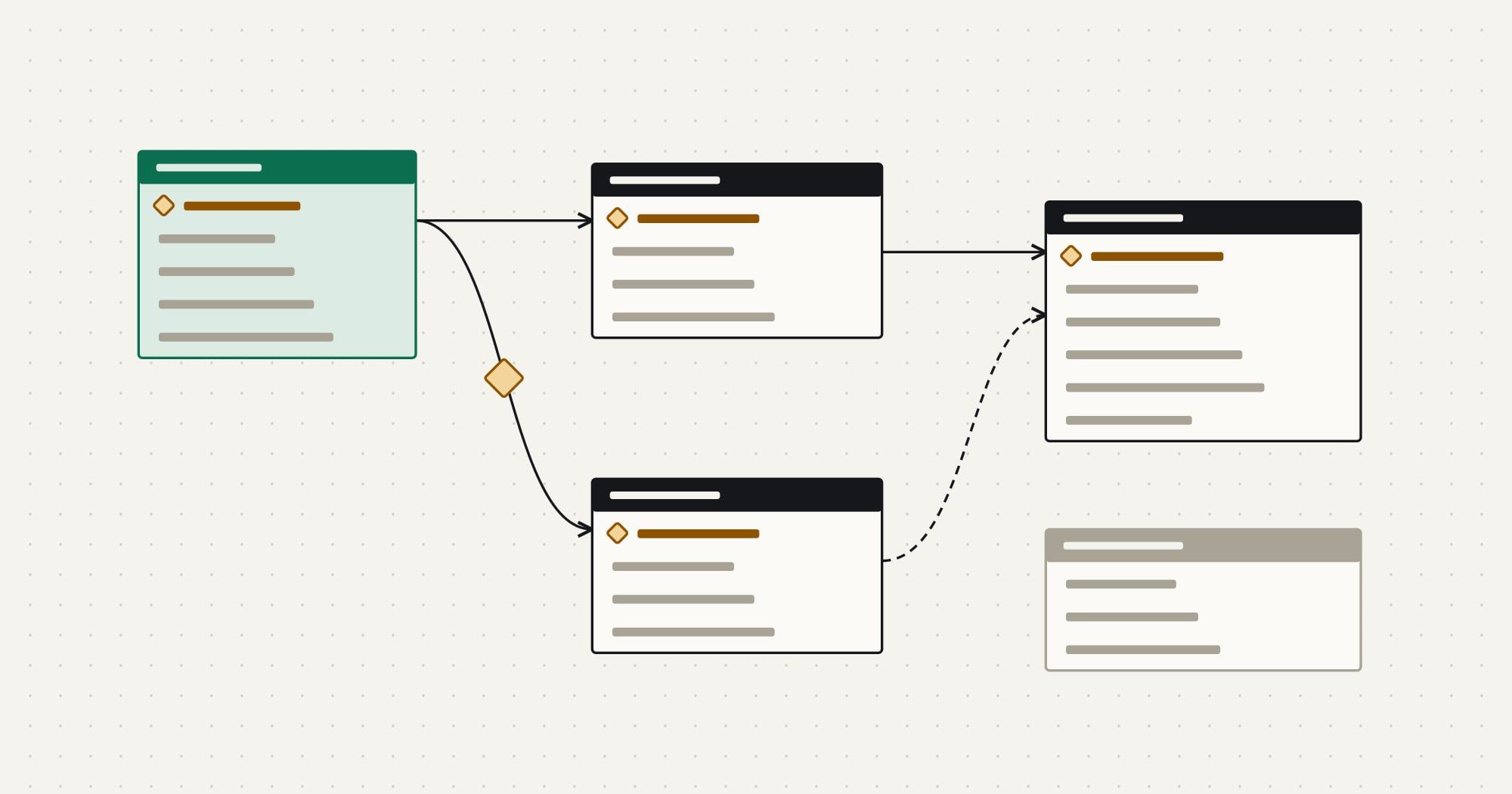
Records refer to each other, so the load order follows the relationships: parents before children.
- Step 1Target CRM · WriteUsers and teams exist; owner mapping table is verified.
- Step 2Target CRM · WriteAccounts loaded with
legacy_id; parent accounts linked in a second pass. - Step 3Target CRM · WriteContacts loaded;
account_idresolved through the account cross-reference. - Step 4Target CRM · WriteOpportunities and line items loaded, then contact roles.
- Step 5Loader · Failure41 opportunities rejected: stage value not in the value table. Sent to review with the reason.
- Step 6Target CRM · WriteActivities and attachments loaded last, linked to their parent records.
- Step 7Reconciliation · CheckCounts, sums and samples compared per object; differences listed.
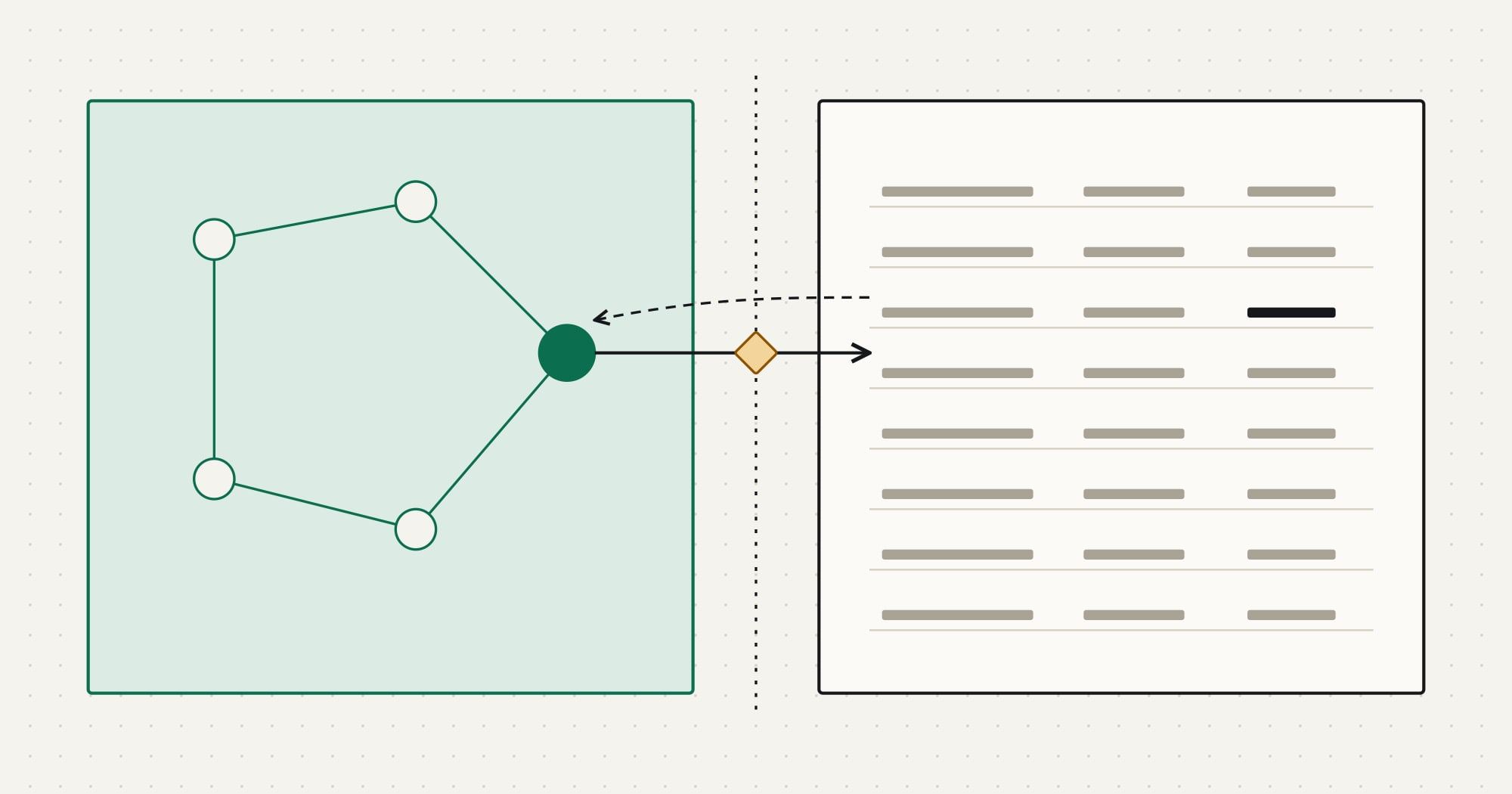
Store the old system’s ID on every migrated record, in an external ID field. It makes loads repeatable (an upsert by legacy ID updates rather than duplicates on a re-run), lets you resolve relationships after each step, and lets anyone trace a record back to its source. Use the target CRM’s bulk import API or import tool for volume, and keep loads idempotent so a failed batch can simply be run again.
Turn off automation in the target CRM during the load, or exclude the migration user from it: workflows that send emails, assign leads or create tasks should not fire for ten-year-old records. Re-enable them after reconciliation.
Run trial loads and reconcile
Never let the first full load be the production load. Run at least one trial load of the complete data set into a sandbox or test instance, then reconcile it against the source.
| Check | Example | Catches |
|---|---|---|
| Record counts per object | Source accounts minus excluded minus merged equals target accounts | Dropped or duplicated records |
| Sums of key amounts | Open pipeline per stage and currency | Mapping or conversion errors |
| Relationship counts | Contacts per account, line items per opportunity | Broken lookups |
| Field-level samples | 50 random records compared field by field | Transformation mistakes |
| Business checks | Sales reps confirm their own top accounts | Things only users would notice |
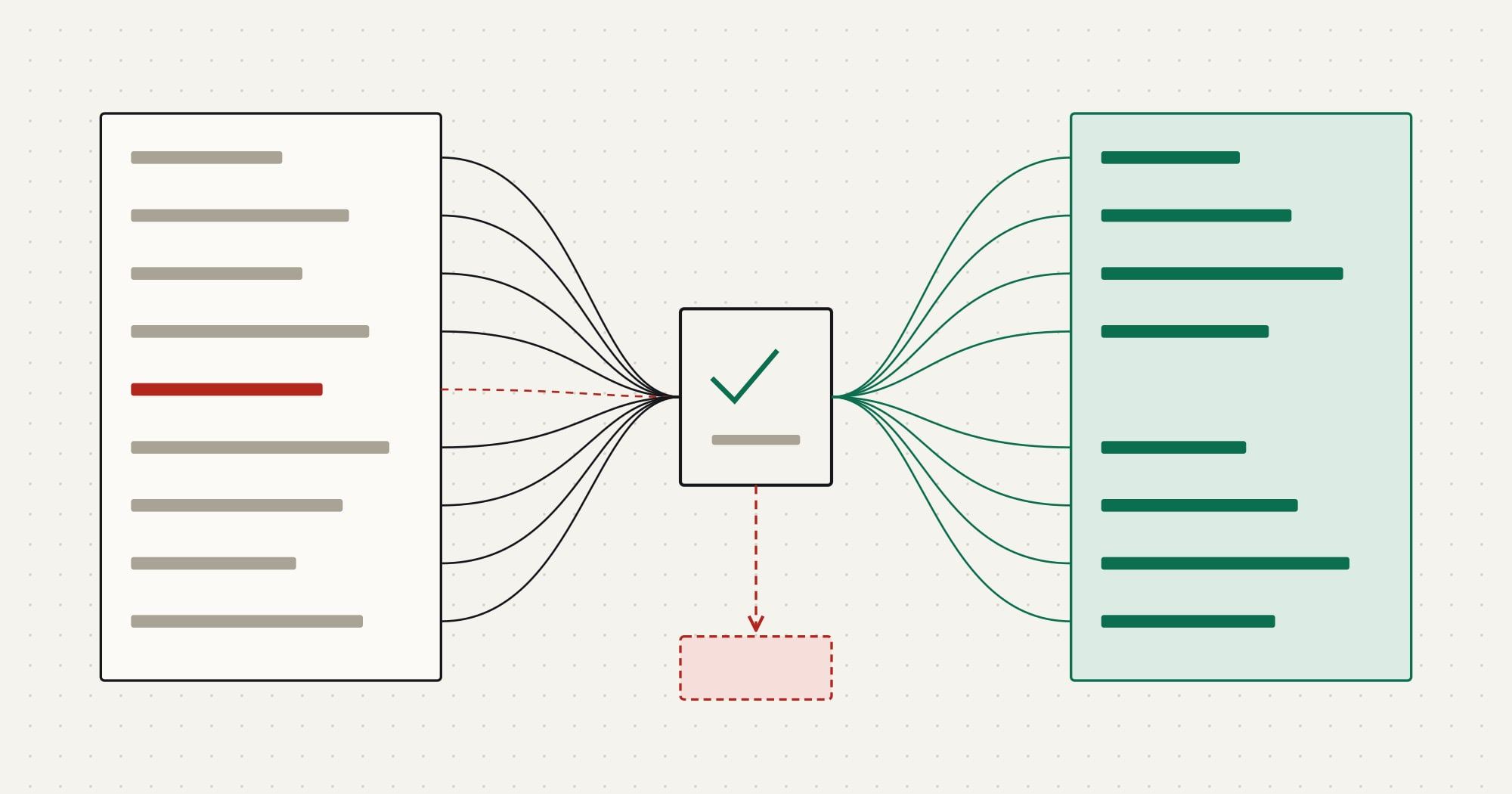
Every difference gets an explanation: excluded by a retention rule, merged as a duplicate, rejected and in review, or a defect to fix. A reconciliation report with unexplained differences is not a pass. Fix the mapping or the cleaning, reset the test environment, and run the trial again until the report is clean.
Plan the cutover and the freeze
Cutover is the short period when the old CRM stops being the system of record and the new one starts. Plan it as a sequence with owners and times:
- Freeze changes in the old CRM (read-only for users) at an agreed time.
- Switch off integrations and automation that write to the old CRM.
- Run the final load, either a full load or a delta of records changed since the last trial, identified by their modification dates.
- Reconcile with the same checks as the trial, faster because the process is proven.
- Point integrations at the new CRM and switch them on.
- Open the new CRM to users.
Define the rollback point in advance: until a named step, the old CRM can be reopened with no data loss. After it, changes are only made in the new CRM. Agree who makes the go or no-go decision and on which criteria.
Verify after go-live
The first weeks after go-live reveal what reconciliation could not: reports that depended on a field nobody mentioned, users who cannot find records, integrations behaving differently. Keep the old CRM read-only (or the archive available) for a defined period, track issues in one list, and keep the legacy IDs for as long as anyone may need to trace a record.
CRM migration checklist
Plan
- Inventory with record counts and fill rates per field
- Retention decisions agreed and recorded
- Mapping specification reviewed by data owners
Prepare
- Duplicates grouped, survivorship rules applied, uncertain cases reviewed
- Owner mapping covers leavers
- Automation in the target CRM disabled for the migration user
Load and test
- Dependency-ordered, idempotent loads with legacy IDs on every record
- At least one full trial load, reconciled with every difference explained
- Rejected records routed to review with the reason
Cut over
- Freeze, final load, reconciliation, integration switch, open
- Rollback point and go/no-go criteria agreed
- Archive of the full export stored securely with a retention period
After go-live, the new CRM usually needs ongoing synchronization with an ERP, billing or support system; how to build a CRM API integration covers that next stage. Comtau’s CRM migration services run this process with a written mapping spec, trial loads and reconciliation reports, and CRM implementation services cover the configuration and rollout around it.