
Handshake · Guides
Implementation guides for CRM integration work
Guides you can work through with an API console or a migration spreadsheet open. Each one lists its steps before it starts, explains the decision behind each step, and ends with what to check before go-live.
All implementation guides
GUIDE 01 · CRM APIs & sync · 12 min
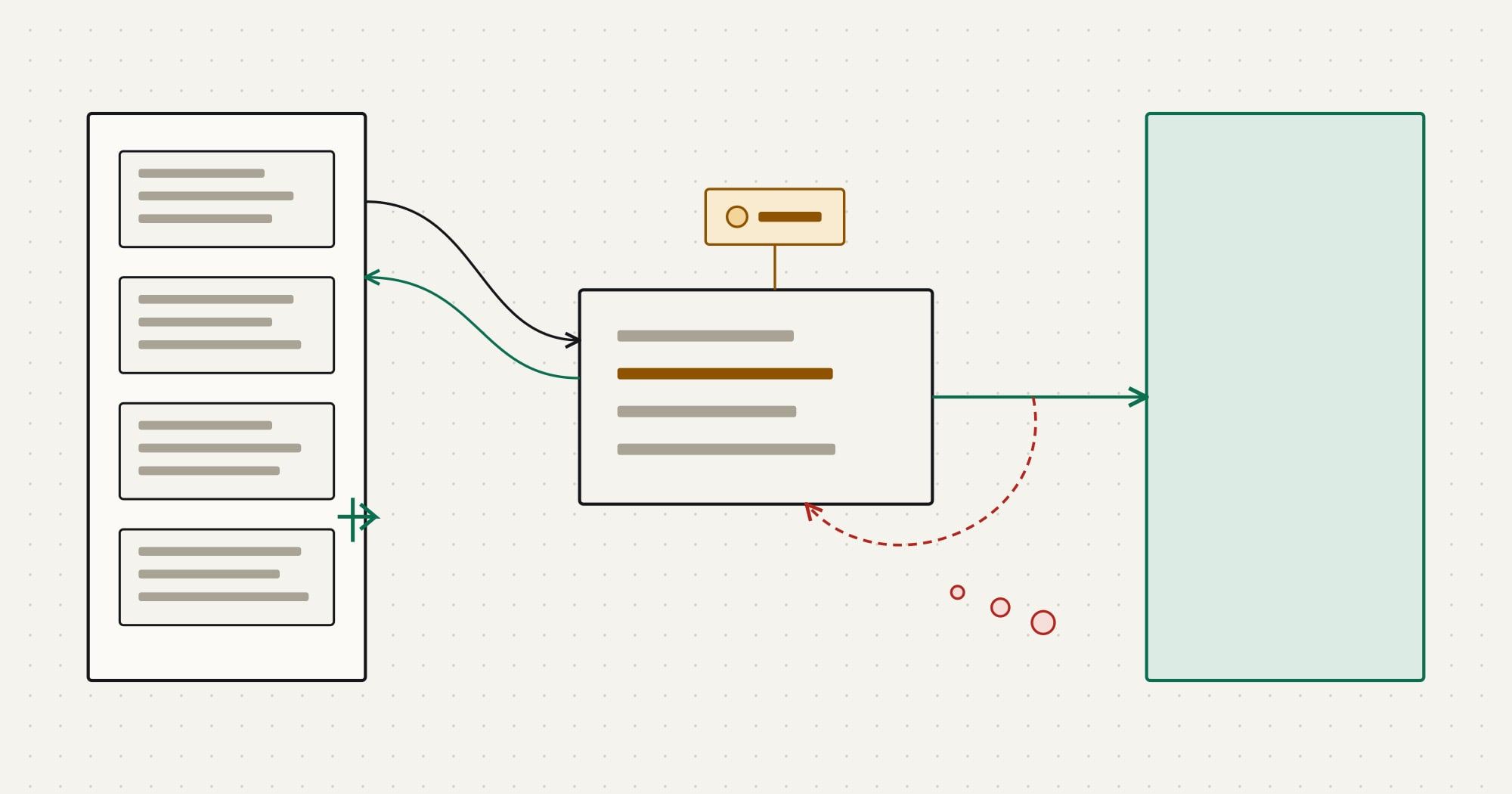
How to Build a CRM API Integration That Survives Production
A step-by-step guide to building a CRM API integration: service authentication, incremental sync, idempotent writes, webhooks, rate limits and testing.
You leave with A working design for a CRM connector: auth, incremental reads, safe writes, verified webhooks, rate-aware retries, tests and run-time checks.
- 01Scope the integration before you open the API docs
- 02Authenticate as a service, not as a person
- 03Model the remote API behind one client
- 04Read incrementally with a cursor you control
- 05Make every write safe to retry
- 06Receive webhooks without trusting them
- 07Respect rate limits by design
- 08Test against contracts and a sandbox
- 09Operate it: logs, metrics, replay and reconciliation
GUIDE 02 · CRM data & migration · 8 min
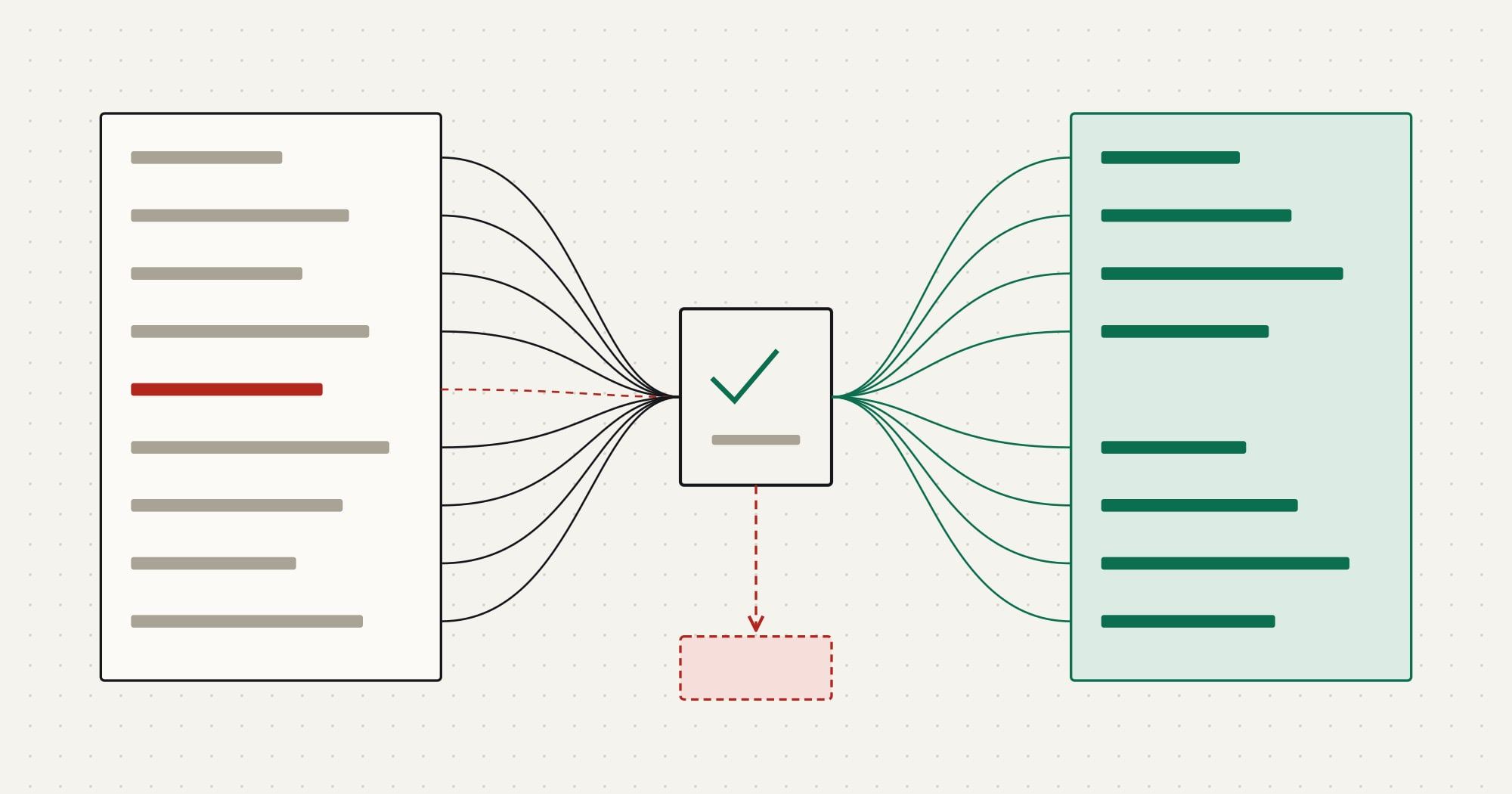
How to Migrate CRM Data: A Step-by-Step Plan With Reconciliation
How to migrate data from one CRM to another: inventory, mapping spec, deduplication, load order with external IDs, trial loads, reconciliation and cutover.
You leave with A migration plan with a mapping spec, dedup rules, a dependency-ordered load, reconciliation checks and a cutover sequence with a rollback point.
- 01Inventory what you are actually moving
- 02Decide what not to migrate
- 03Write the mapping specification
- 04Clean and deduplicate before the load
- 05Load in dependency order with external IDs
- 06Run trial loads and reconcile
- 07Plan the cutover and the freeze
- 08Verify after go-live
Read in order
Reading paths that include these guides
Designing reliable CRM integrations
Decide which system owns what, choose how the integration is built, then build a connector that survives failures.
- Draw the boundaryERP vs CRM: What Each System Owns and How to Connect Them
- Choose the approachIntegration Platforms vs Custom Integration: How to Choose for CRM Data Flows
- Build the connectorHow to Build a CRM API Integration That Survives Production
From CRM API to production integration
Learn the mechanics on a neutral CRM API, see how one large platform shapes them, then decide what to run yourself.
- Learn the mechanicsHow to Build a CRM API Integration That Survives Production
- Apply them to a platformSalesforce Integration Patterns: APIs, Events and Architecture Decisions
- Decide what to operateIntegration Platforms vs Custom Integration: How to Choose for CRM Data Flows
Planning a CRM data migration
Understand the data model you are moving, plan and reconcile the migration, then keep the systems in step after cutover.