
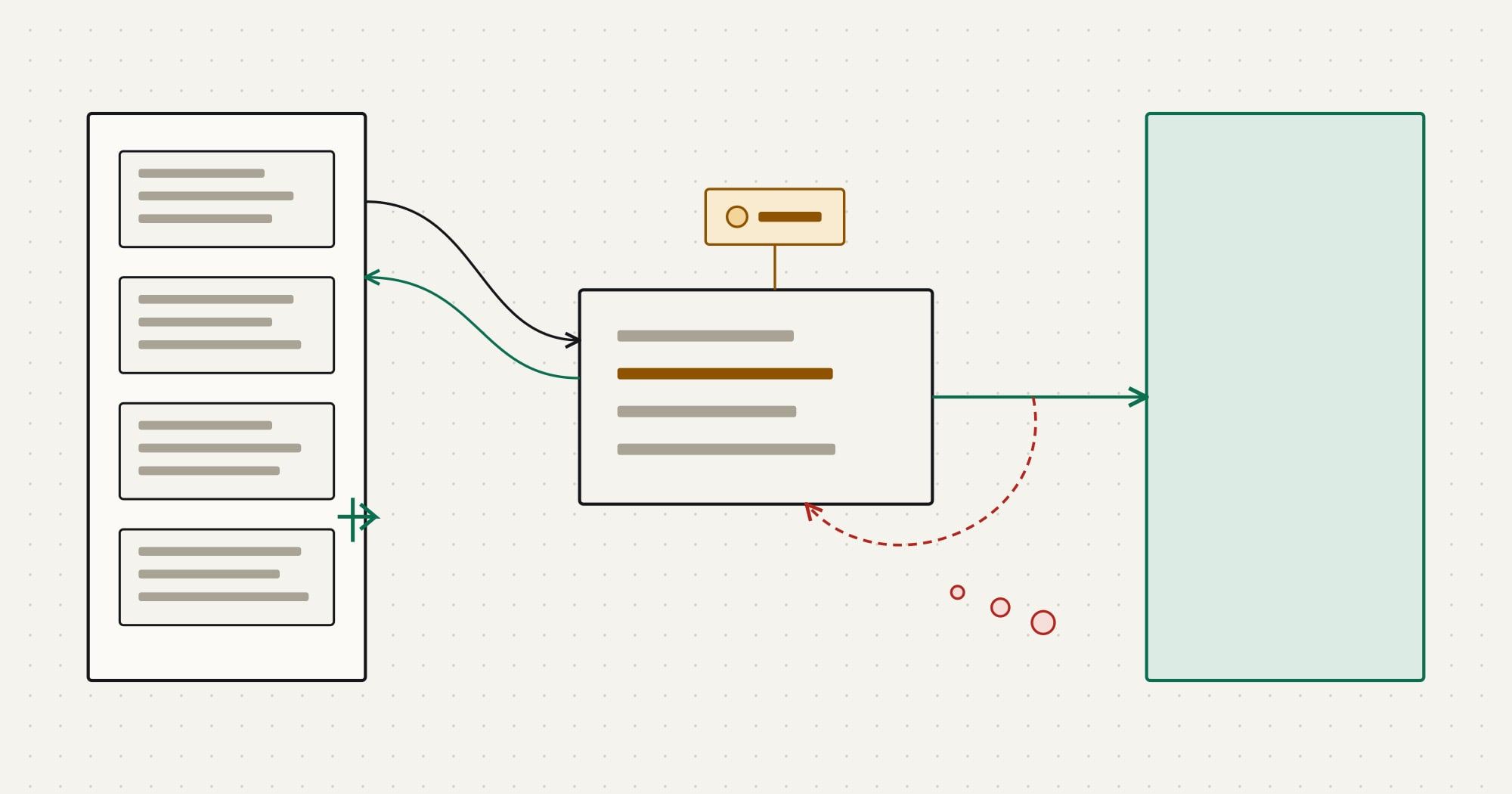
Implementation guideCRM APIs & sync
How to Build a CRM API Integration That Survives Production
A step-by-step guide to building a CRM API integration: service authentication, incremental sync, idempotent writes, webhooks, rate limits and testing.
The Comtau journal of CRM integration engineering
A technical journal for engineering leaders, integration engineers and CRM administrators. Articles cover CRM APIs, synchronization, data models, migration and integration architecture, with the failure modes left in. Examples use fictional systems and data.
Implementation guideCRM APIs & sync
A step-by-step guide to building a CRM API integration: service authentication, incremental sync, idempotent writes, webhooks, rate limits and testing.
Also on the wire
ComparisonIntegration architecture
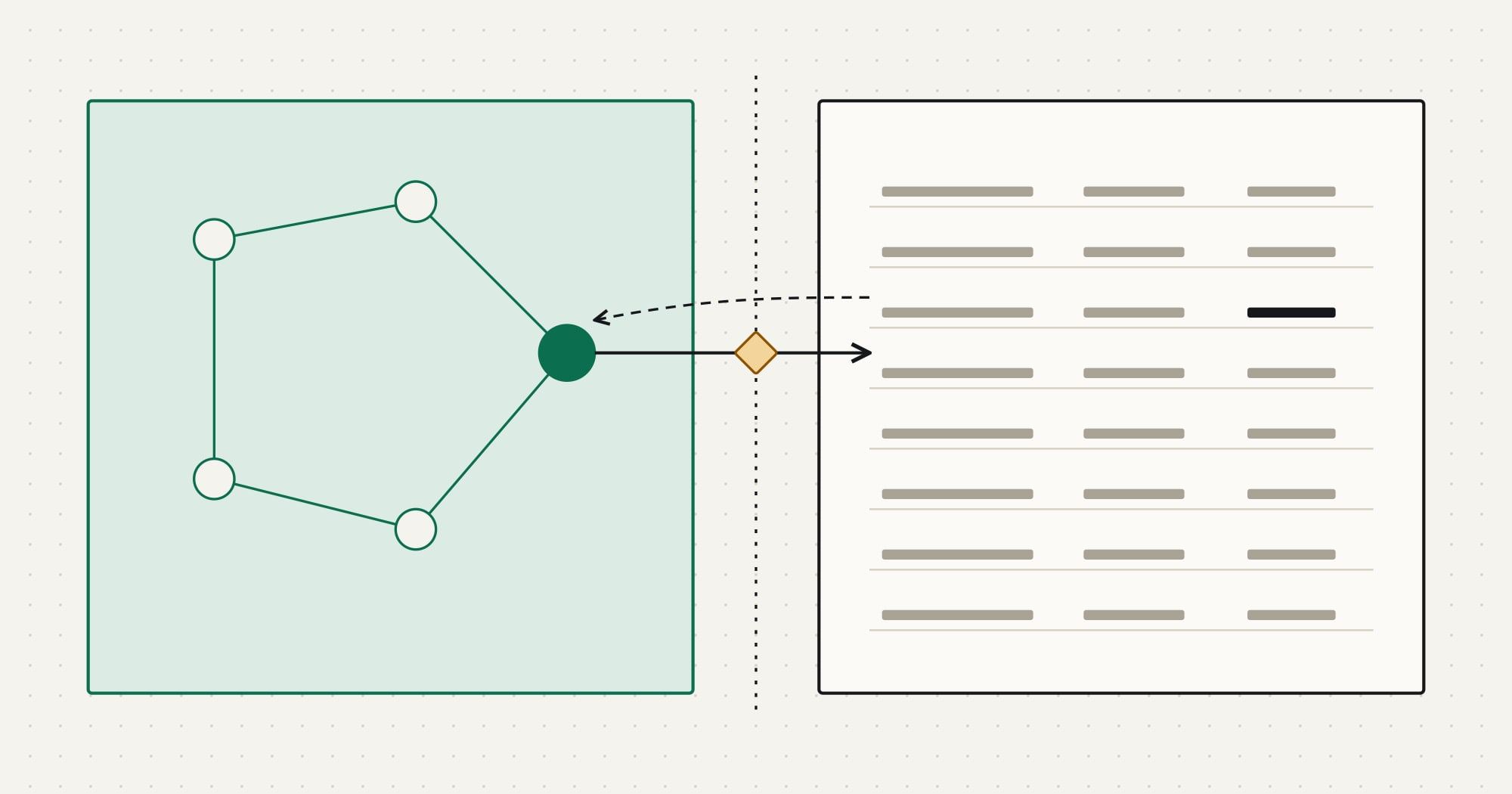
ERP vs CRM explained by what each system owns: customers, deals, orders, invoices and stock. Where they overlap, who owns which field, and how to sync them.
Architecture deep diveCRM APIs & sync
Salesforce integration explained by pattern: request and reply, fire and forget, batch sync, remote call-in and change events, with the right API for each.
Implementation guideCRM data & migration
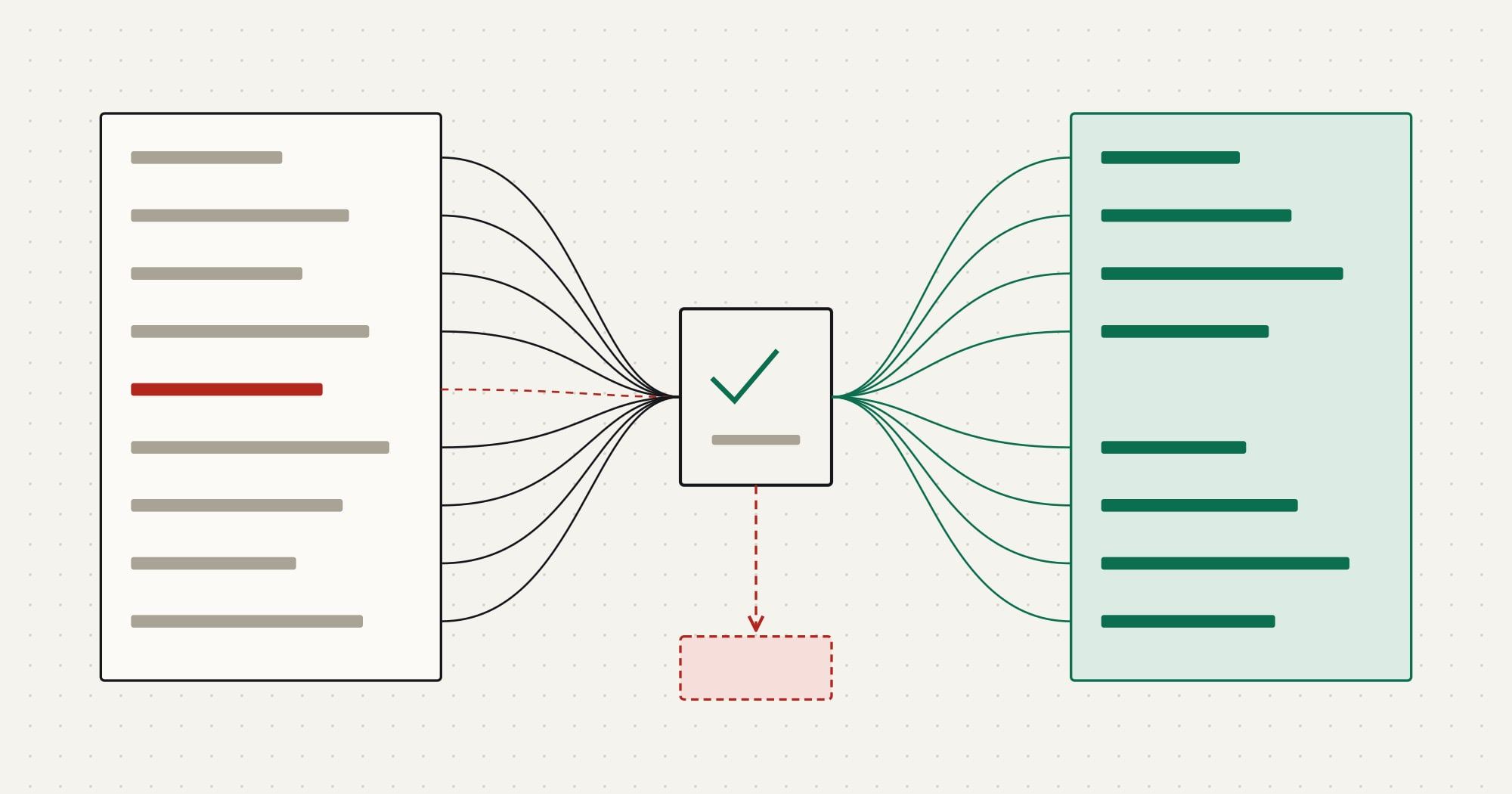
How to migrate data from one CRM to another: inventory, mapping spec, deduplication, load order with external IDs, trial loads, reconciliation and cutover.
§01 · Topics
Topics follow the informational searches in the CRM & Integrations research, not a vendor list. Each opens a page with every article in it.
P1 · 02 articles
System-of-record decisions, CRM and ERP boundaries, platforms versus custom code
P2 · 02 articles
Working with CRM APIs: auth, pagination, rate limits, events and incremental sync
P3 · 02 articles
CRM data models, identity matching, deduplication and moving data between CRMs
§02 · Integration architecture
System-of-record decisions, the CRM and ERP boundary, events versus schedules, and what it takes to run an integration you can trust.
01
Comparison
ERP vs CRM explained by what each system owns: customers, deals, orders, invoices and stock. Where they overlap, who owns which field, and how to sync them.
The short answer / What a CRM is built to do / What an ERP is built to do / Where the two overlap
02
Decision framework
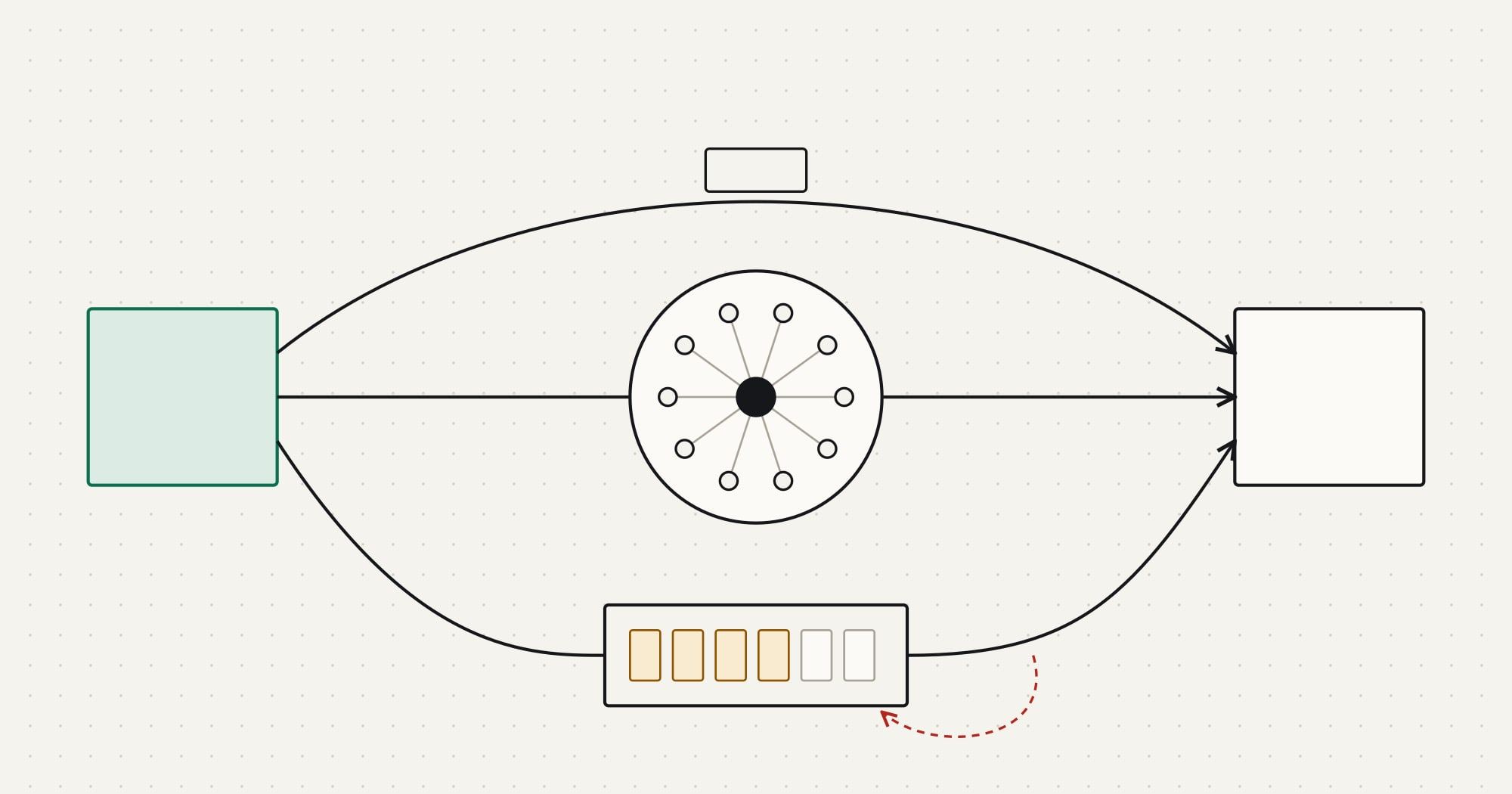
A decision framework for CRM integrations: when native connectors, integration platforms (iPaaS) or custom code fit, judged on volume, logic and failures.
What counts as an integration platform / Three ways to connect a CRM / The criteria that decide / Mixed architectures are normal
03
Architecture deep dive
Salesforce integration explained by pattern: request and reply, fire and forget, batch sync, remote call-in and change events, with the right API for each.
The pattern catalogue comes first / Calling into Salesforce: REST, Bulk and composite requests / Getting changes out of Salesforce: events / Calling out from Salesforce
§03 · Practical integration guides
Step-by-step guides with the steps listed up front: what to decide, what to build, what to test and what to watch after go-live.
RUNBOOK 01 · 9 steps · 12 min
You leave with A working design for a CRM connector: auth, incremental reads, safe writes, verified webhooks, rate-aware retries, tests and run-time checks.
RUNBOOK 02 · 8 steps · 8 min
You leave with A migration plan with a mapping spec, dedup rules, a dependency-ordered load, reconciliation checks and a cutover sequence with a rollback point.
§04 · Comparisons and decisions
Comparisons set out what each side owns; decision frameworks give the criteria, so the choice can be argued from your own volumes and risks.
Comparison8 min read
ERP vs CRM explained by what each system owns: customers, deals, orders, invoices and stock. Where they overlap, who owns which field, and how to sync them.
Decision framework7 min read
A decision framework for CRM integrations: when native connectors, integration platforms (iPaaS) or custom code fit, judged on volume, logic and failures.
§05 · Data & synchronization
Each data concern points to the part of an article that deals with it, the way a mapping spec points a source field to its target.
| Concern | Example field | Covered in |
|---|---|---|
| Customer data ownership | account.owner_system | Decide ownership field by fieldin ERP vs CRM: What Each System Owns and How to Connect Them |
| Identity matching | contact.external_id | Identifiers: the part integrations depend onin What Is a CRM Database? Objects, Relationships and Identifiers Explained |
| Duplicate handling | contact.email_normalized | Clean and deduplicate before the loadin How to Migrate CRM Data: A Step-by-Step Plan With Reconciliation |
| Field mapping | deal.stage_map | Write the mapping specificationin How to Migrate CRM Data: A Step-by-Step Plan With Reconciliation |
| Incremental synchronization | sync.cursor | Read incrementally with a cursor you controlin How to Build a CRM API Integration That Survives Production |
| Conflict resolution | field.conflict_rule | Synchronization patterns between CRM and ERPin ERP vs CRM: What Each System Owns and How to Connect Them |
| Synchronization failures | sync.dead_letter | Make every write safe to retryin How to Build a CRM API Integration That Survives Production |
§06 · Reading paths
Each path is a sequence where every article hands over to the next. Paths appear only when all of their articles are published.
Decide which system owns what, choose how the integration is built, then build a connector that survives failures.
Learn the mechanics on a neutral CRM API, see how one large platform shapes them, then decide what to run yourself.
Understand the data model you are moving, plan and reconcile the migration, then keep the systems in step after cutover.
ComparisonIntegration architecture
Implementation guideCRM APIs & sync
Implementation guideCRM data & migration
Decision frameworkIntegration architecture
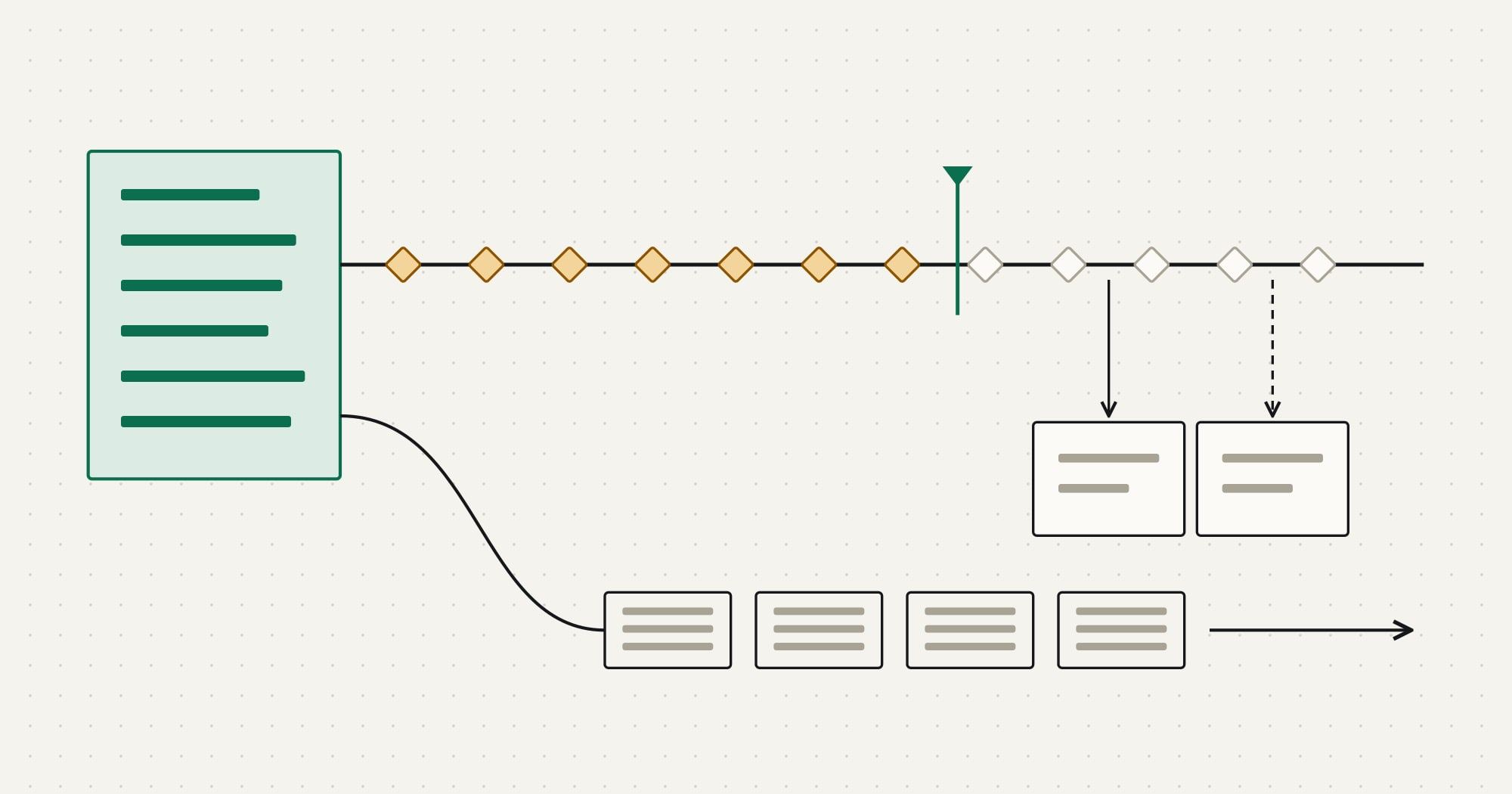
Architecture deep diveCRM APIs & sync
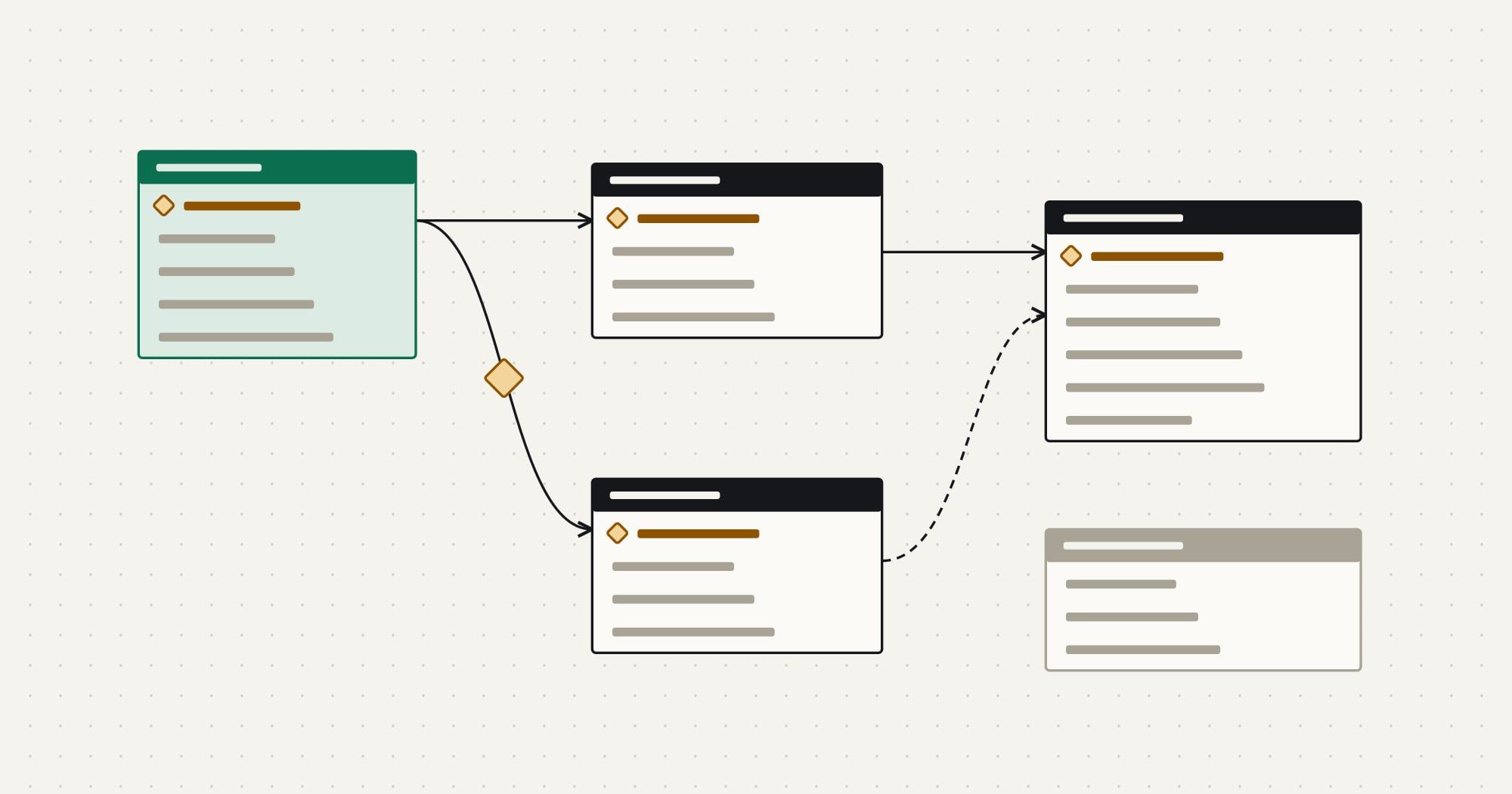
ExplainerCRM data & migration
§08 · Explore all topics
Every topic, the route it lives at and every article it contains.
§09 · From reading to a project
Articles stand on their own. When a team needs the work done, these are the services they relate to.