ERP vs MRP vs MESwhich system runs which part of manufacturing
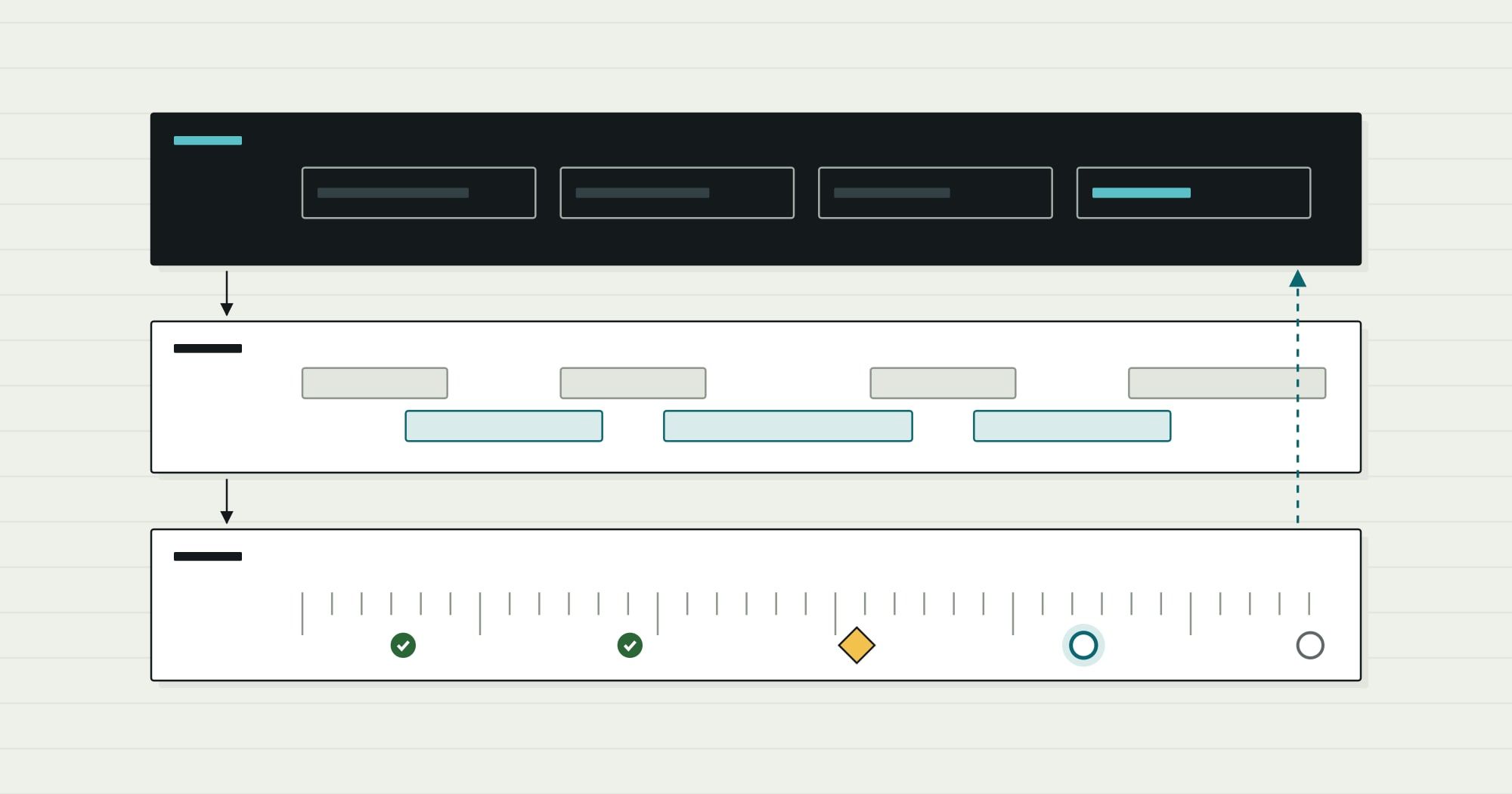
The three acronyms describe three time horizons. ERP keeps the books and the orders, MRP decides what to make and buy, and MES records what actually happens on the shop floor. Most confusion comes from the overlaps.
- By
- Comtau Editorial
- Published
- Reading time
- 7 min
Three systems, three time horizons
The cleanest way to separate the three is by the question each one answers and how far ahead it looks.
| ERP | MRP | MES | |
|---|---|---|---|
| Question it answers | What did we sell, buy, hold and earn? | What must we make or buy, and by when? | What is happening on the floor right now, and what happened? |
| Time horizon | Periods, months, the financial year | Weeks and days ahead | Shifts, hours and minutes |
| Records it owns | Customers, sales and purchase orders, stock value, journal entries | Planned orders, net requirements, suggested purchase orders | Operations in progress, labour and machine time, scrap, batch genealogy |
| Main inputs | Transactions from every department | Demand, bills of materials, on-hand stock, open orders, lead times | Released work orders, routings, operator and machine events |
| Main users | Finance, sales operations, purchasing | Planners and buyers | Supervisors, operators, quality |
| Typical output | Invoices, financial statements | A plan: planned production and purchase orders | Completions, consumption and quality records reported back to ERP |
The standard reference model for these boundaries is ISA-95 (also published as IEC 62264). It puts business planning and logistics (the ERP’s territory) at level 4 and manufacturing operations management (the MES’s territory) at level 3, with control systems and machines below. Real products blur the line, but the model is a useful test: if a function needs second-by-second data from equipment, it does not belong in the ERP.
What MRP actually does
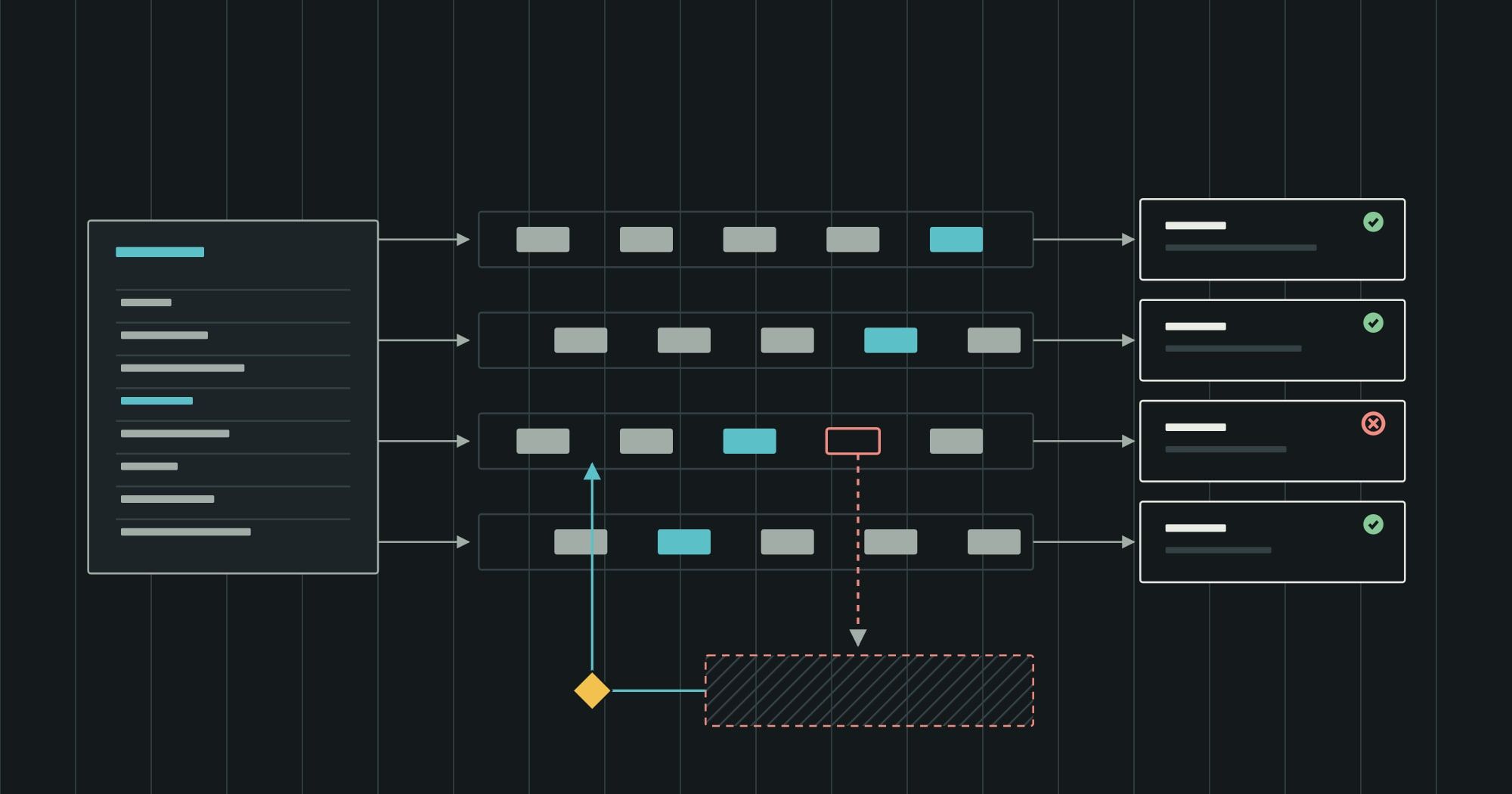
MRP is a calculation, not a place where work happens. For each item, it compares what will be needed with what will be available, and proposes orders to cover the gap, offset by lead time.
The core of the calculation is net requirements:
Net requirement = gross requirement − stock on hand − scheduled receipts + safety stock
Gross requirements come from demand for finished goods (sales orders and forecasts), exploded through the bill of materials into demand for every component. Scheduled receipts are orders already placed. Anything left over becomes a planned order, scheduled to start one lead time before it is needed.
Classic MRP assumes infinite capacity: it does not check whether the factory can actually make what it plans. MRP II added capacity requirements planning and costing, and that broader scope is what eventually became ERP. Specialist advanced planning and scheduling (APS) tools go further, scheduling against finite capacity on each machine.
Is MRP part of ERP?
In most current products, yes. MRP runs inside the ERP against the ERP’s items, bills of materials, stock and orders, which is why “ERP vs MRP” is often a question about scope rather than about two products. A standalone MRP system still makes sense for a small manufacturer whose accounting lives in a separate package, but it then needs the same stock and order data kept in sync with finance, which is exactly the problem an ERP exists to remove.
What an MES does
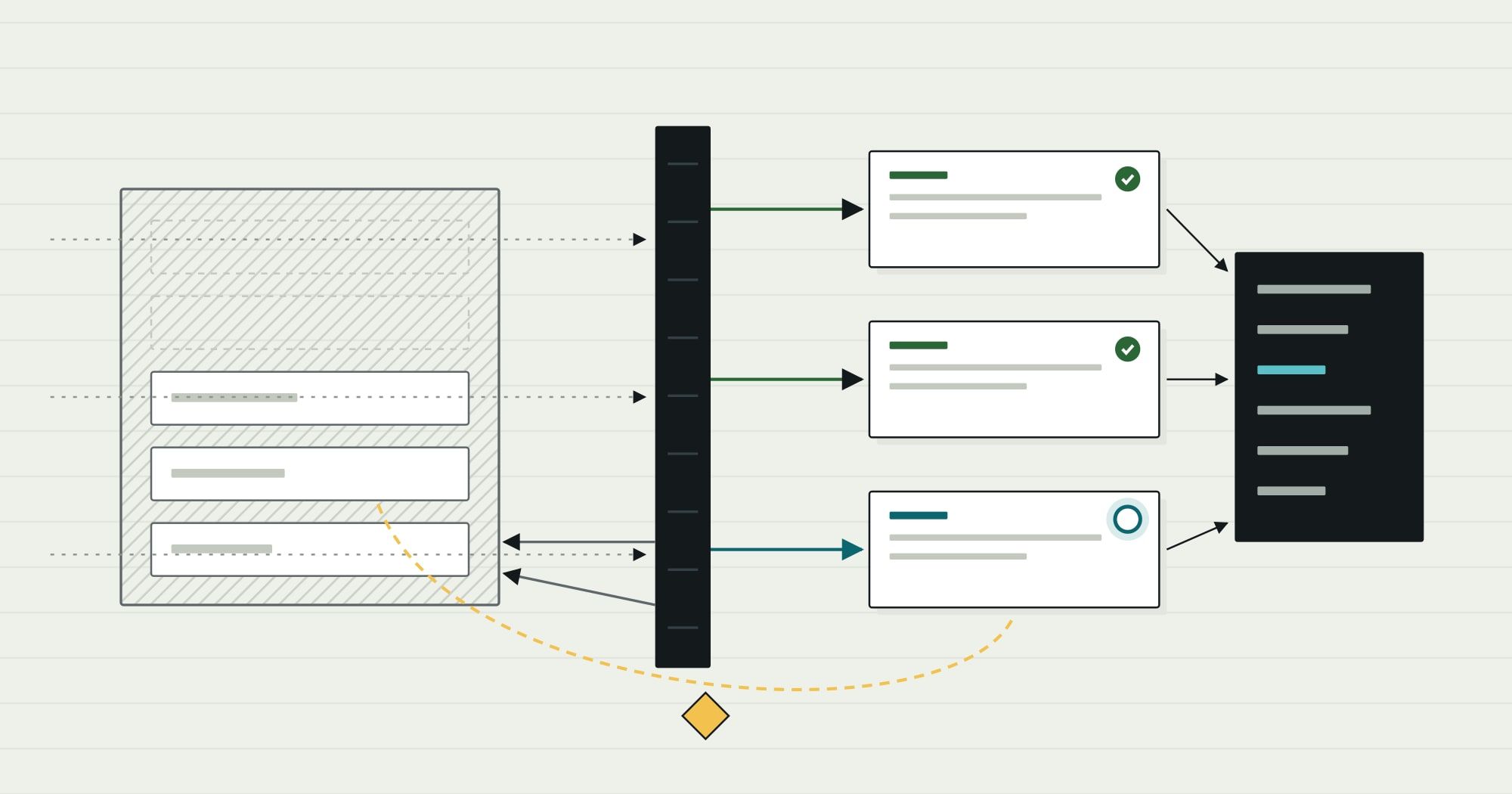
An MES starts where the ERP’s production order ends. The ERP says “make 300 units of this item by Friday”; the MES turns that into operations on specific work centres and records how each one went.
Typical MES functions:
- Dispatching: which job runs next on which machine or line, given what is actually available.
- Data collection: start and stop times, quantities produced, labour, machine states, downtime reasons.
- Quality: inspections at defined operations, holds, non-conformance records.
- Genealogy and traceability: which material lot and which operator went into which finished batch or serial number.
- Work-in-progress visibility: where every order is on the floor, now.
Those functions are why an MES matters most in regulated or high-mix environments. If a customer or regulator can ask which batch of raw material went into a specific serial number, the answer has to be recorded at the operation, not reconstructed later.
Where the ERP–MES boundary should sit
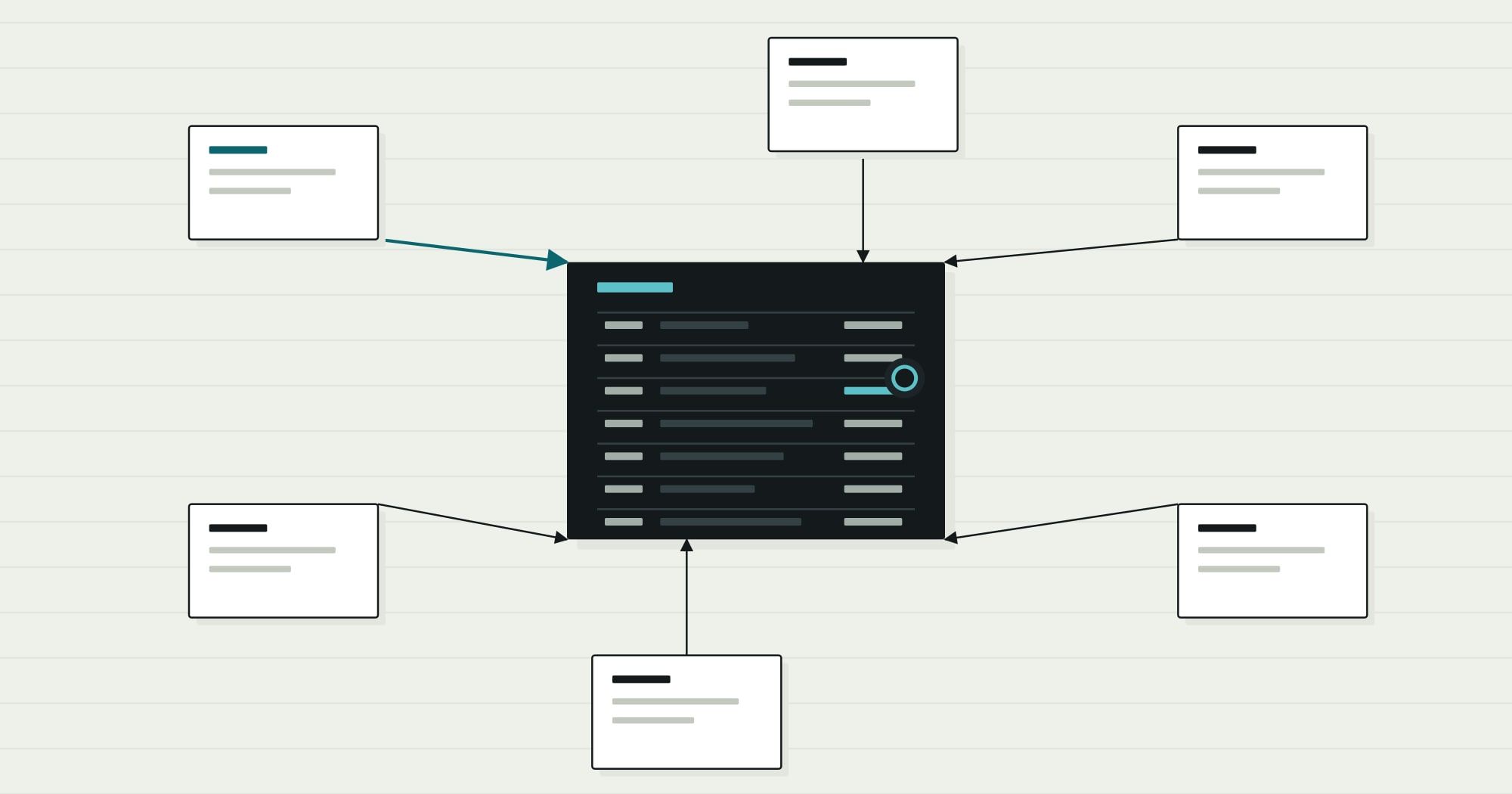
The boundary is a flow of records in both directions. The ERP owns the order and the money; the MES owns what happened on the floor. Each sends the other only what it needs.
| Connected system | Direction | What moves | When |
|---|---|---|---|
| MES | ERP ↔ MES | work orders ↔ completions | release · per operation |
| MRP / planning | ERP ↔ MRP / planning | demand ↔ planned orders | planning run |
| Product data (PLM) | Product data (PLM) → ERP | items, BOMs, routings | engineering change |
| Warehouse | ERP ↔ Warehouse | issues ↔ receipts | on movement |
Three rules keep the boundary healthy:
- Master data flows down. Items, bills of materials and routings are maintained once (in the ERP, or in a product lifecycle system feeding it) and sent to the MES, never edited in both.
- Results flow up, summarised. The ERP needs good quantities, scrap and material consumed per order or per operation to cost production. It does not need every machine signal.
- Timing is explicit. Decide whether completions post per operation, per shift or per order, because that choice determines how current inventory and work-in-progress values are in the ERP.
Which do you need?
The decision is less about the acronyms than about how much detail the business must capture on the floor, and how quickly.
| Question | ERP with its MRP module | ERP plus a separate MES | ERP plus a custom shop-floor layer |
|---|---|---|---|
| Routings | Simple, few operations per item | Many operations, shared work centres | Unusual steps no MES models well |
| Traceability | Lot tracking at receipt and shipment is enough | Lot or serial genealogy per operation is required | Specific records a customer or regulator asks for |
| Data from the floor | Reported at the end of a job or shift | Needed during the shift to make decisions | Needed for a few critical steps only |
| Main risk | Spreadsheets fill the gaps on the floor | Licence and integration cost before the benefit appears | Building something a product already does well |
Many companies start in the first column and outgrow it in one area, often traceability or scheduling. That is the moment to add a focused layer for the part that hurts, rather than replacing the ERP. Comtau builds that kind of layer as manufacturing software: work orders, quality holds and traceability connected to the ERP that keeps the books.
What is the best ERP for manufacturing?
There is no single answer, because “manufacturing” covers very different operations. The more useful question is which manufacturing mode the business runs, and whether a product models it natively:
| Manufacturing mode | What the ERP must handle well |
|---|---|
| Make-to-stock, repetitive | Forecasting, MRP, backflushing of components on completion |
| Make-to-order | Configurable bills of materials, order-specific costing, promise dates |
| Engineer-to-order | Project accounting, engineering changes during the order, milestone billing |
| Process (batch, recipes) | Formulas instead of bills of materials, co-products and by-products, potency and expiry |
| Mixed-mode | All of the above in one data model, which is where packaged systems often struggle |
Ask vendors to demonstrate your mode with your own data, including a reversal: a returned batch, a scrapped operation, an engineering change on an open order. Those reversals reveal more about fit than the happy path does. When none of the candidates handles the core of how you make things, custom ERP modules for that part, beside a packaged finance system, are a legitimate option.
Summary
ERP, MRP and MES are not competing products so much as layers of one landscape. ERP keeps the records and the money, MRP plans against them, and MES executes and reports. The design work is in the boundaries: which system owns each record, and what crosses between them. For the general principles behind those boundaries, read the guide to ERP integration architecture; for the foundations, start with what an ERP system is.