How to modernize a legacy business system without stopping operations
Modernizing a legacy system is a series of smaller decisions, one per capability, each with its own risk. This framework turns the big question into those smaller ones, then sequences the work so the business keeps running throughout.
- By
- Comtau Editorial
- Published
- Reading time
- 7 min
- Sections
- 8
You leave withA per-capability decision (keep, wrap, replace or rebuild), a migration sequence and cutover criteria you can defend to a board.
What makes a system “legacy”
Age is a poor definition. A ten-year-old system that is well understood, supported and easy to change is not a problem. A three-year-old one built on an abandoned framework by a contractor who has left may be.
In practice, a business system becomes legacy when one or more of these is true:
- It cannot be changed safely. Changes take weeks, break unrelated things, or depend on one person.
- Its platform is unsupported. The operating system, database or language runtime no longer receives security fixes.
- Its knowledge is concentrated. The rules live in the code and in the heads of a few people, not in documentation anyone trusts.
- It blocks integration. Other systems need its data, and the only way to get it is a manual export or a screen-scraping robot.
- It no longer fits the business. Teams keep spreadsheets alongside it because it cannot represent how they work now.
Each of these is a different problem with a different fix. That is why the first step is an inventory.
Step 1: inventory capabilities, not screens
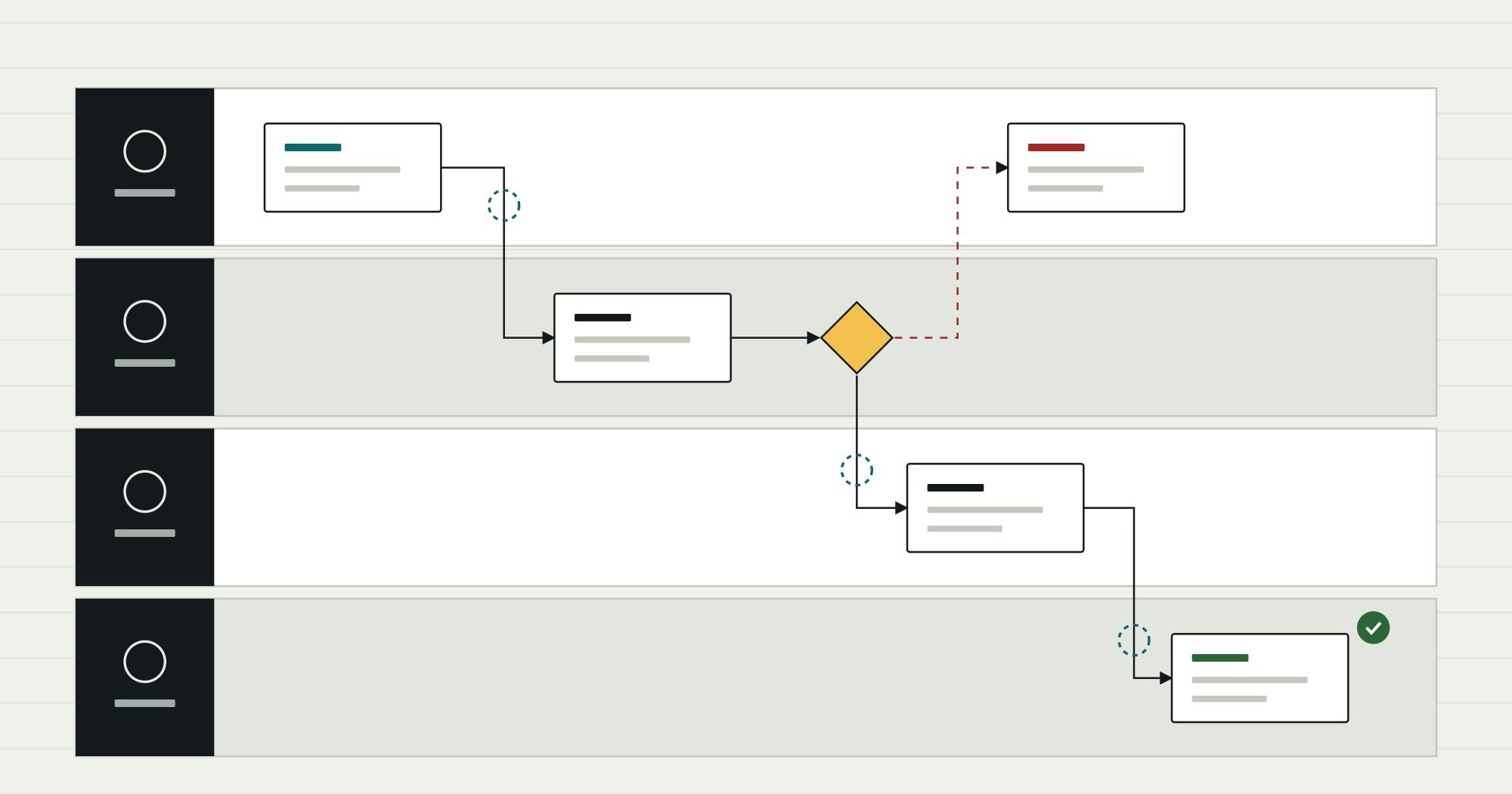
List what the system does in business terms: take orders, price them, allocate stock, invoice, report sales by region. For each capability, record a few facts. A spreadsheet is fine.
| Capability | Business fit | Technical condition | Change frequency | Data it owns | Who depends on it |
|---|---|---|---|---|---|
| Order entry | Poor: staff use a side spreadsheet for special terms | Fragile: changes break pricing | Monthly requests | Orders, order lines | Sales, warehouse |
| Pricing rules | Good | Fragile, undocumented | Quarterly | Price lists, discounts | Sales, finance |
| Invoicing | Good | Stable | Rare | Invoices | Finance |
| Sales reporting | Poor | Stable | Weekly requests | None (reads orders) | Management |
(Hypothetical inventory for a distributor, showing the format.)
Two columns do most of the work: business fit (does it do what the business needs today?) and technical condition (can it be changed and run safely?). The others decide sequence and risk.
Step 2: choose a path for each capability
Combine the two scores and a default path follows. It is a starting point for discussion, not an automatic answer.
| Question | Technical condition sound | Technical condition weak |
|---|---|---|
| Business fit good | Keep. Maintain it, document it, and expose its data through an API if other systems need it. | Wrap or re-platform. Keep the behaviour; move it to a supported platform or isolate it behind an interface while it is rebuilt. |
| Business fit poor | Extend or replace with a product. If the gap is standard functionality, adopt a packaged module; if it is specific, extend. | Rebuild or replace. Retire the capability: rebuild it where the process is your own, buy it where it is standard. |
Some refinements:
- Wrap means putting an API or integration layer in front of the old capability, so new systems talk to the interface rather than the legacy internals. It buys time and makes later replacement easier, but it does not reduce the risk inside.
- Re-platform means moving to a supported runtime or database with minimal code change. It fixes platform risk, not design problems.
- Rebuild is justified for capabilities that encode how your business is different: unusual pricing, scheduling or approval logic. Replace with a product is right for capabilities that are the same everywhere, such as general ledger or payroll.
Modernization guides often list these options as the “R” strategies (retain, rehost, replatform, refactor, rebuild, replace and similar variants). The labels differ by source. What matters is that each capability gets one, with a reason. Comtau’s legacy modernization and migration page lays out the full set of options it uses for business systems.
Step 3: incremental or all at once
With a path per capability, decide how the old and new will coexist.
| Big-bang cutover | Incremental (strangler fig) | |
|---|---|---|
| How it works | The new system replaces the old on one date | New capabilities take over one at a time; a routing layer sends each request to old or new |
| Suits | Small systems, or a complete change of data model where coexistence is impractical | Large systems with separable capabilities and a business that cannot stop |
| Main risk | Everything fails at once, and rollback is hard after new transactions start | Running two systems for longer; the routing and sync layer must be built well |
| Business experience | One large disruption | Several small changes, each reversible |
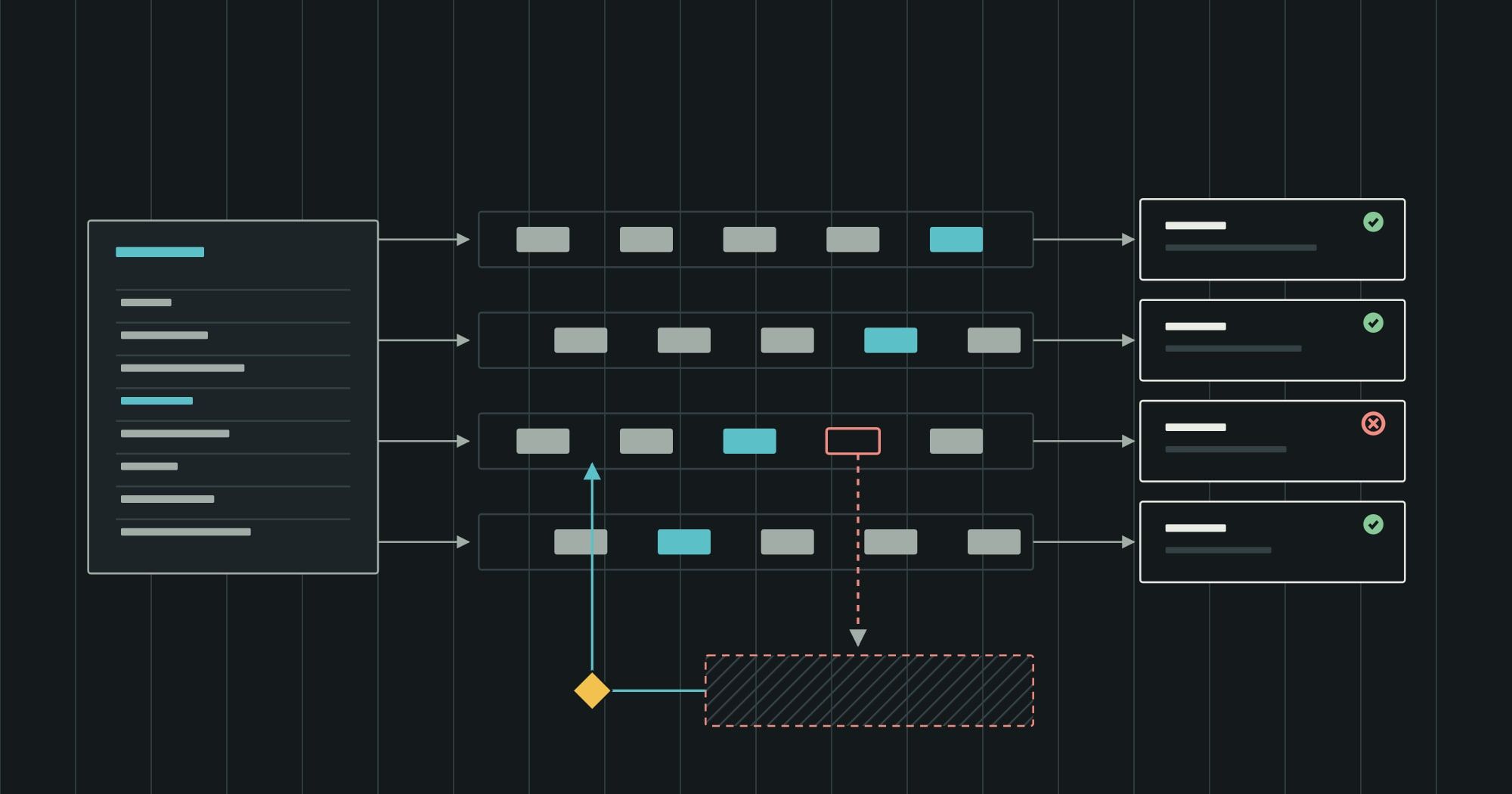
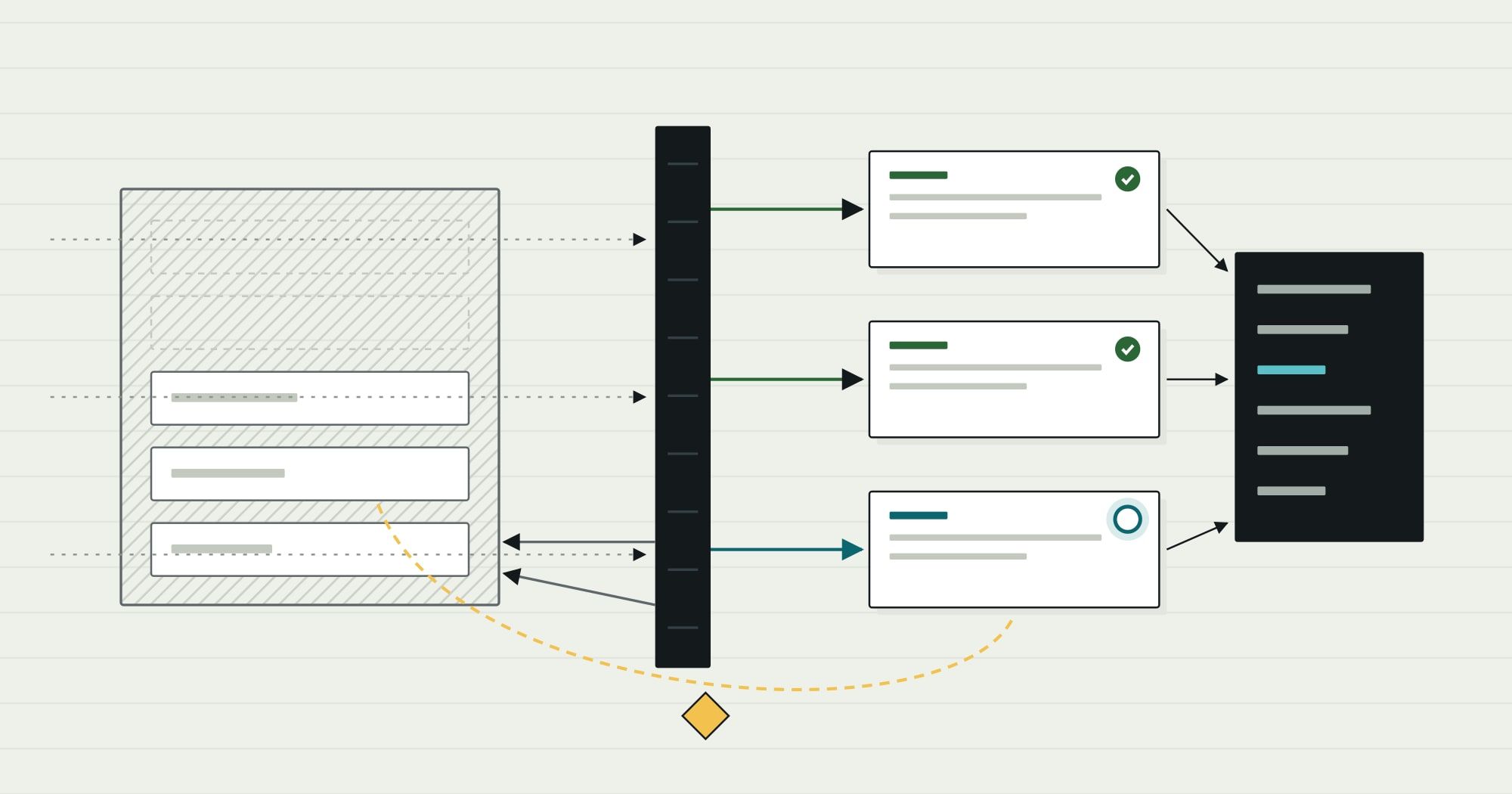
The strangler fig pattern is the incremental approach most teams mean: a façade (an API gateway, an integration layer or simply a menu) sits in front of the legacy system, and capabilities are moved behind it one by one until nothing is left. It depends on exactly the integration discipline described in the deep dive on ERP integration architecture: clear ownership of each record, idempotent messages and reconciliation between old and new while both run.
Step 4: plan the data migration
Data migration is where modernization projects lose most of their time, because legacy data reflects years of workarounds. Treat it as its own workstream from the start.
- Profile the data. Count records, find duplicates, nulls in required fields, values outside expected ranges, and free-text fields used for structured data.
- Decide what to migrate. Open transactions and current master data usually; full history only if it is needed in the new system. Closed history can often stay in a read-only archive.
- Map and transform. For each target field, write the source, the transformation and the rule for bad values. Keep this mapping as a reviewed document.
- Cleanse at the source where possible. Fixing duplicates in the old system before migration is cheaper than fixing them in both.
- Run trial migrations. Repeat the full migration several times into a test environment, measuring time and comparing results.
- Reconcile. For every trial, compare counts and financial totals between source and target, entity by entity. Finance should sign off opening balances.
Step 5: run in parallel and define cutover criteria
Cutover is a decision, and it should be taken against criteria agreed in advance rather than against a date alone.
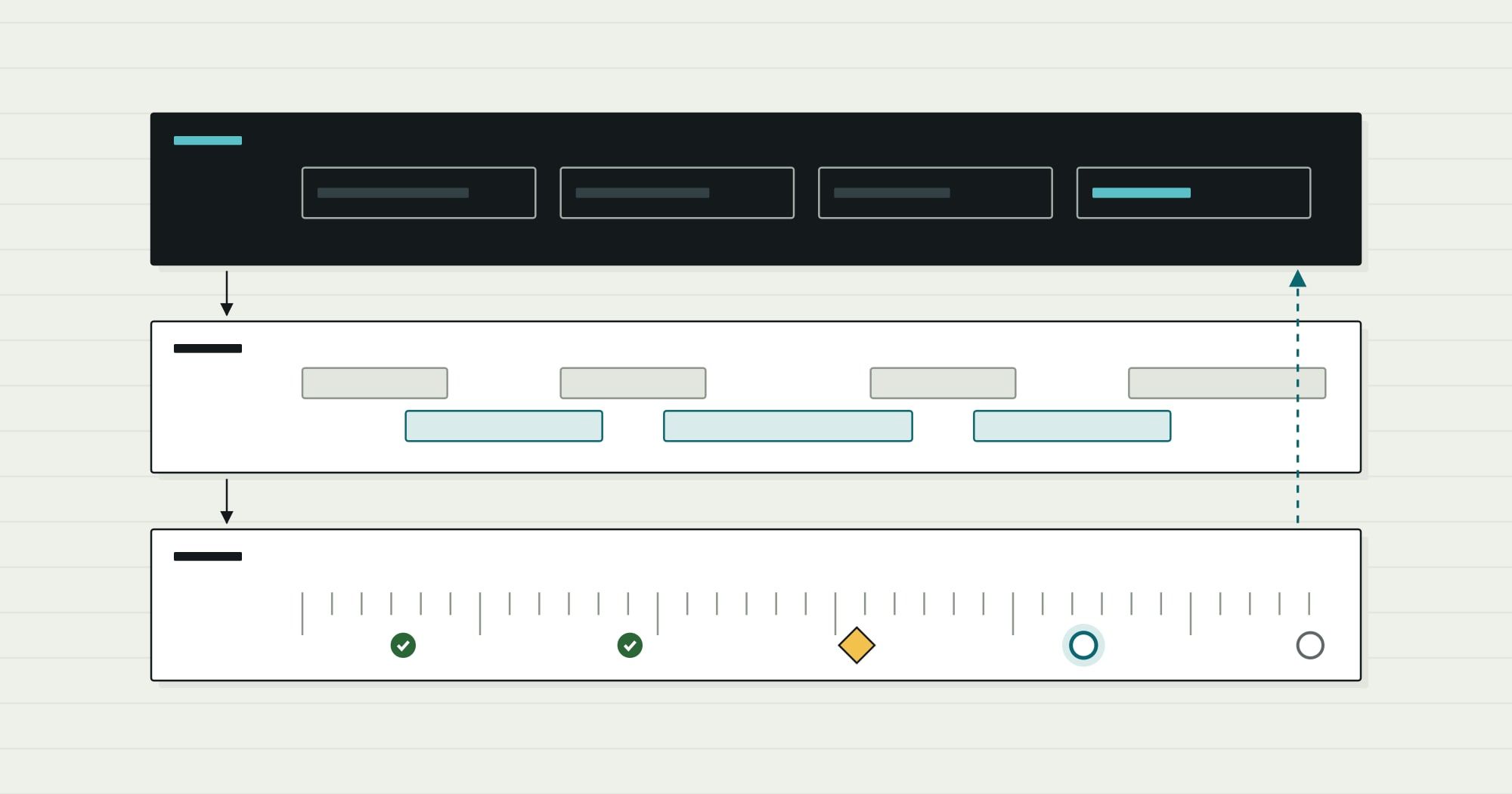
- Trial migrations: done
- Parallel run: doneSame transactions in both systems
- Reconciled sign-off: awaiting a decisionTotals match within agreed tolerance
- Cutover: in progressRollback plan rehearsed
- Hypercare: not startedExtra support for the first weeks
- Legacy read-only: not started
Typical cutover criteria for one capability:
- Trial migrations complete within the planned window, with reconciled counts and totals.
- A parallel run over a representative period (often including a month-end) shows matching results, or every difference is explained.
- Users have processed real cases in the new system, including the main exceptions.
- The rollback plan has been rehearsed and its deadline is known: the point after which new transactions make going back impractical.
- Support is staffed for the first weeks after cutover.
Step 6: retire the old system properly
A legacy system that is “switched off” but still running for reference tends to stay forever. Plan its retirement:
- Move to read-only first, so nobody can create new data in it.
- Archive the history the business or regulators need, in a format that can be read without the old application.
- Remove integrations and credentials that point to it.
- Decommission the infrastructure, and record what was retained, where and for how long.
Questions to settle before you start
Modernization readiness
Scope and ownership
- Capabilities are listed in business terms, each with a fit and condition score
- Each capability has a chosen path and a reason
- A business owner can sign off each cutover
- The first capability to move has been chosen to prove the method
Data and cutover
- Data has been profiled and the migration scope agreed
- A field-level mapping exists and is reviewed
- Reconciliation checks are defined before the first trial
- Cutover criteria and the rollback deadline are written down
- The plan for archiving and retiring the old system exists
If the hardest question is whether the system’s architecture can be saved at all, an independent software architecture review before committing to a path is a reasonable first step. For the mapping work that should precede rebuilding any process-heavy capability, see the guide to mapping a business process.